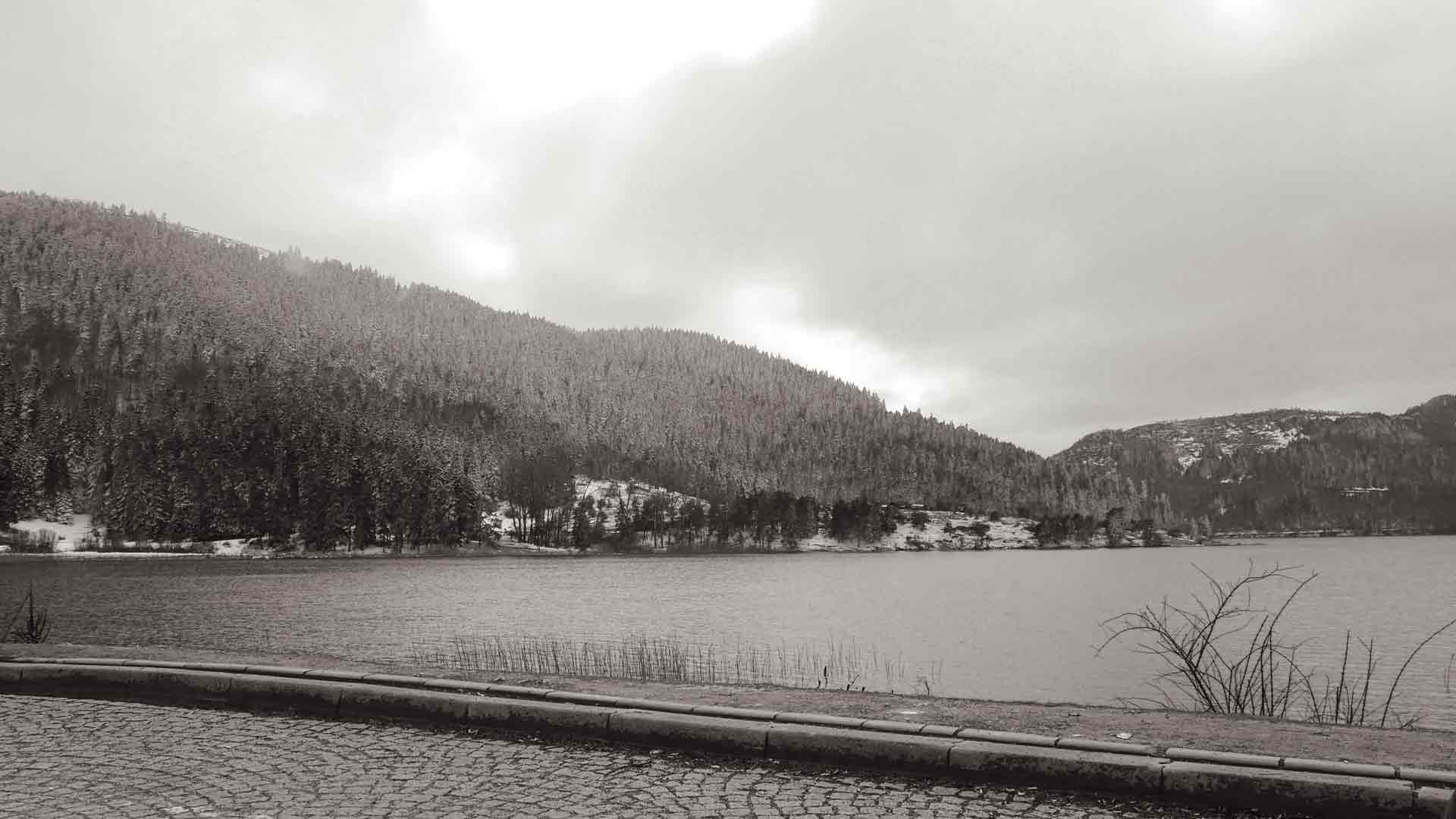
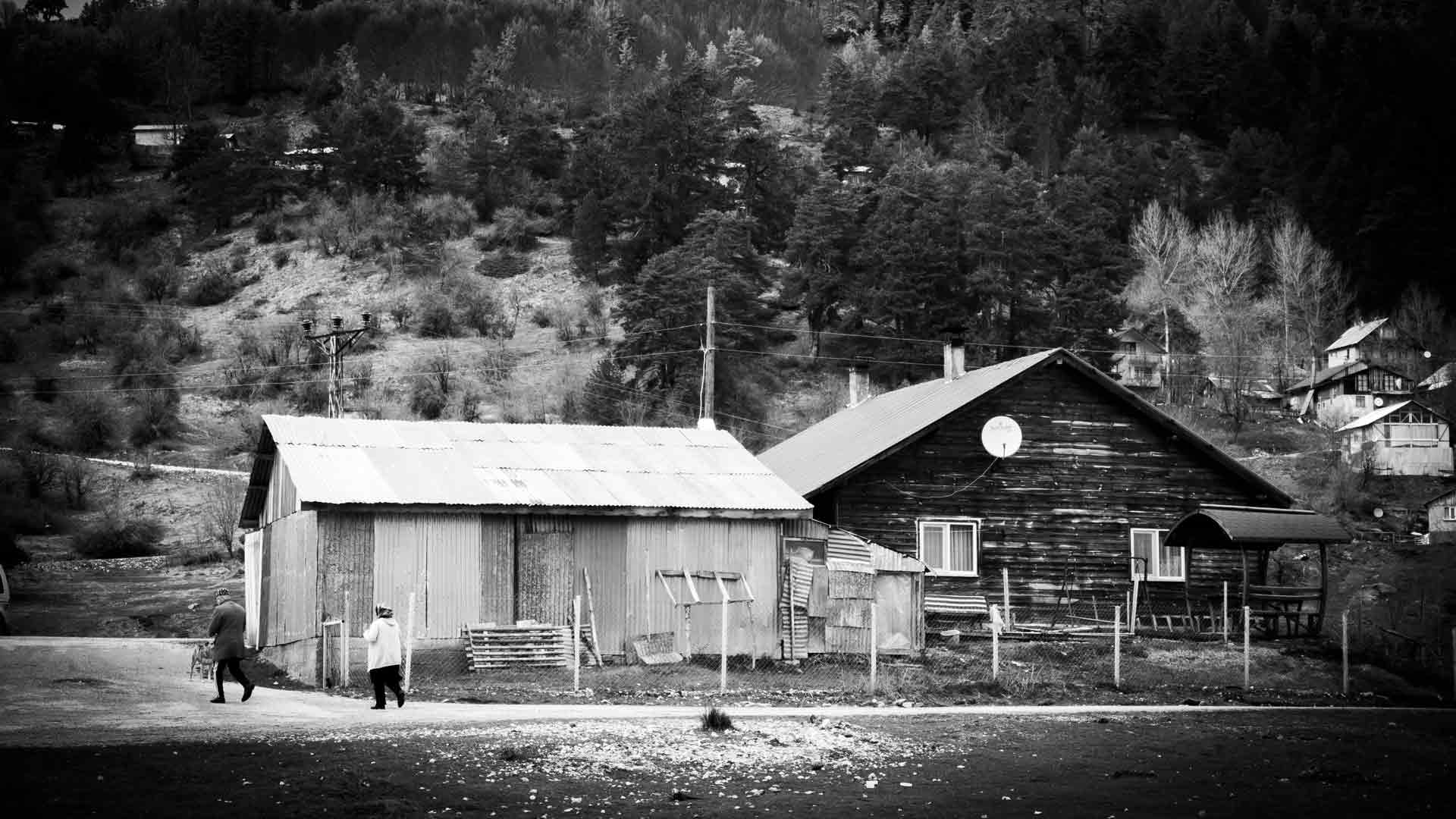
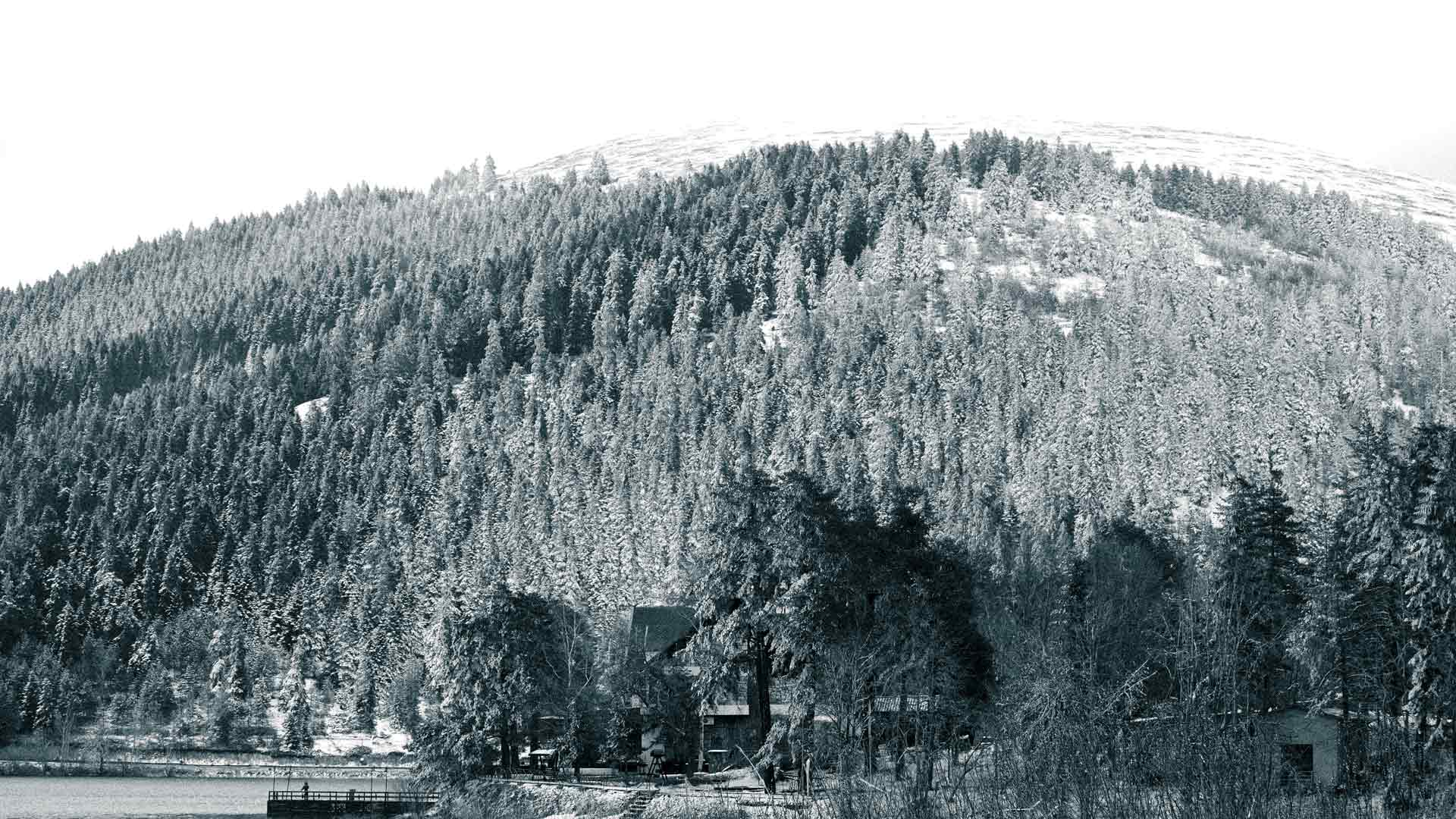
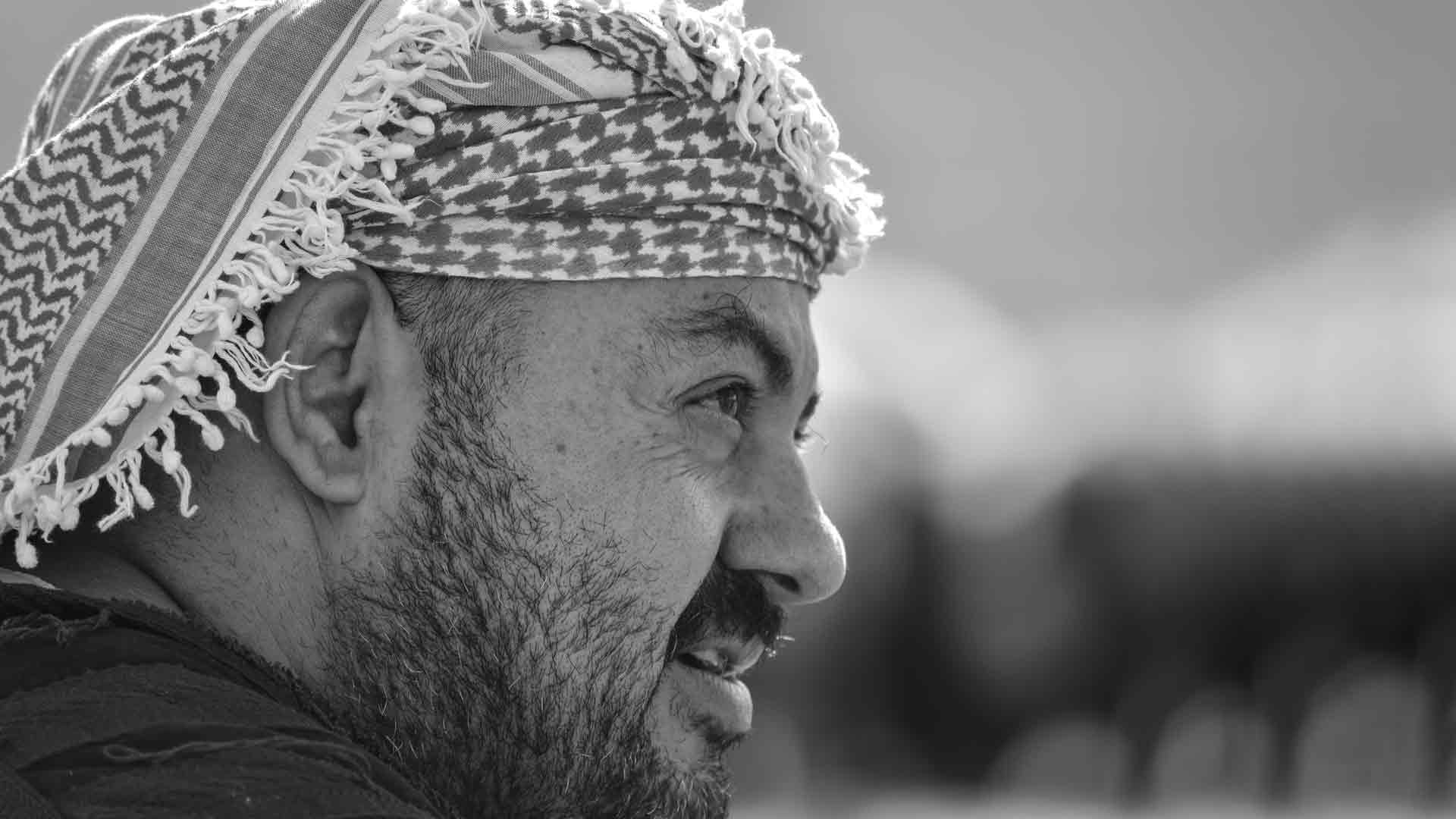

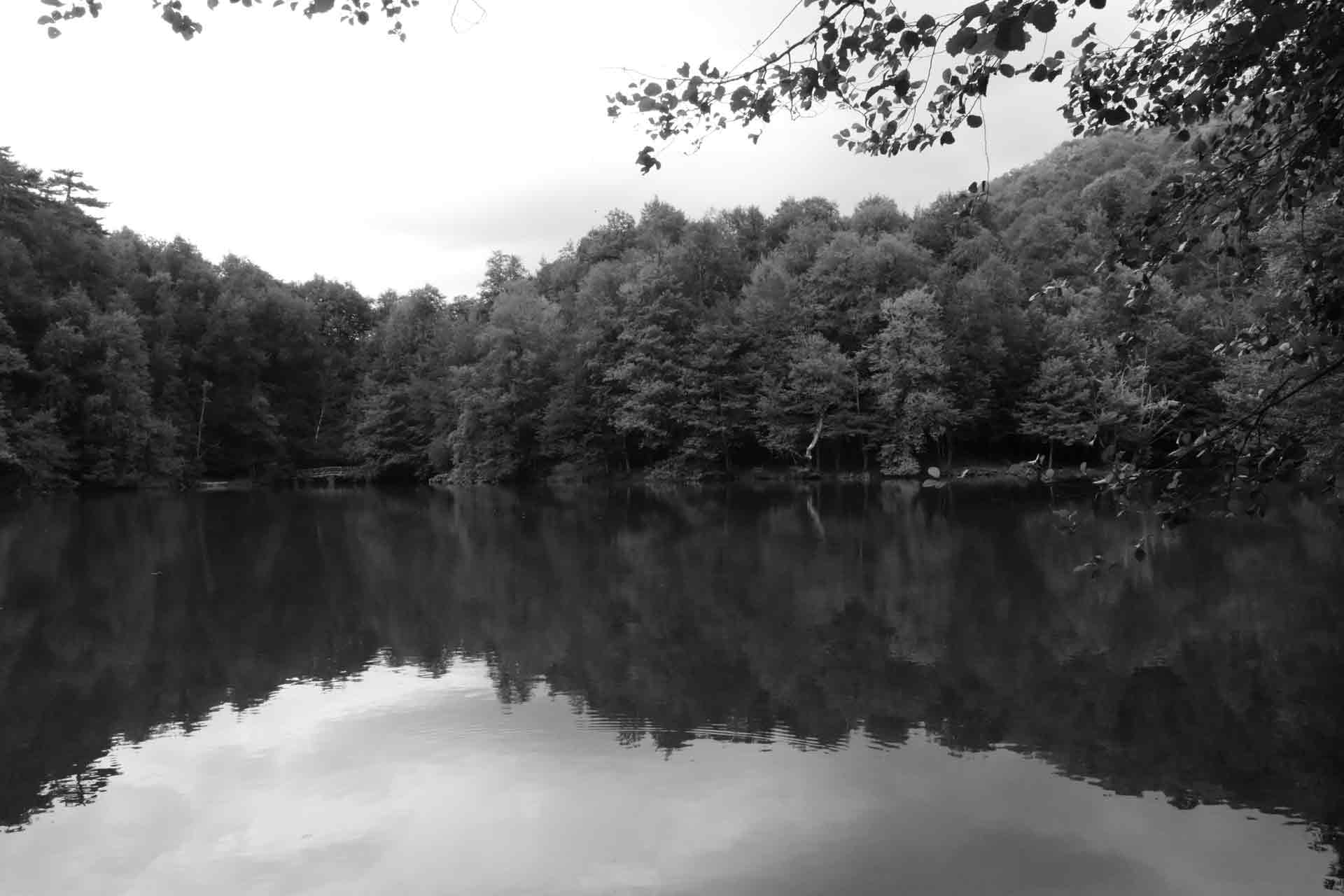

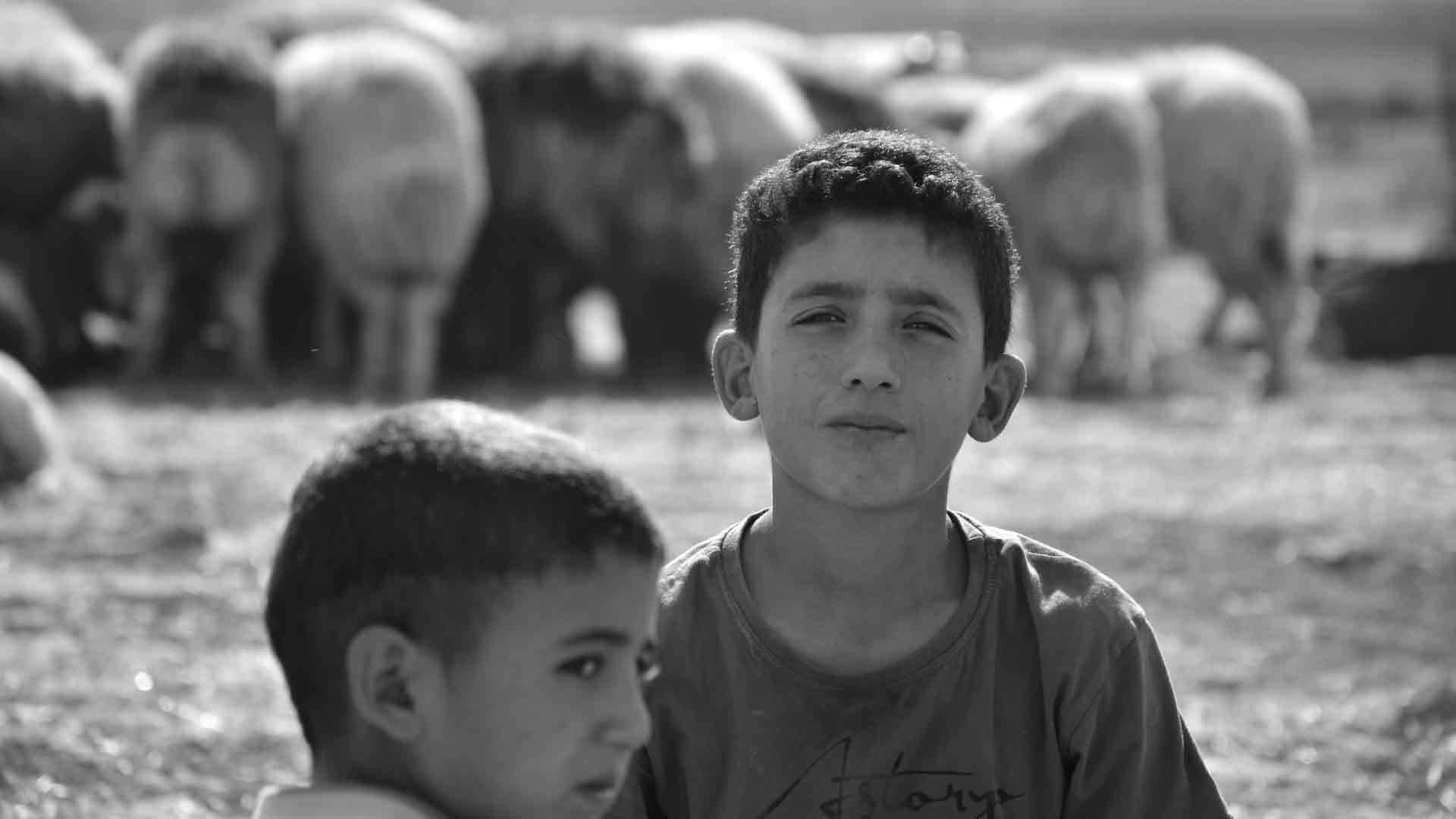

In the timeless art of black and white photography, the camera captures light and shadow, but the final masterpiece is often sculpted in post-processing. The conversion from a vibrant color raw file to a compelling monochrome image is a critical step, allowing photographers to refine tones, enhance textures, and infuse mood. With a plethora of software options available, choosing the right tool for your black and white conversions can feel overwhelming. For photographers in Turkey and the Middle East, where unique light and intricate details abound, selecting software that empowers precise control is key to creating striking images that resonate locally and stand out in global searches for “best B&W photo editor,” “monochrome conversion software,” or “editing tools for Middle Eastern photography.”
This article will guide you through the leading software choices, highlighting their strengths for black and white photography, to help you make an informed decision for your workflow.
The Powerhouses: Industry Standards for Professional Control
When it comes to comprehensive photo editing and robust black and white conversion, a few names consistently rise to the top. These offer unparalleled control and flexibility.
1. Adobe Lightroom Classic (and Lightroom CC)
- Strengths for B&W:
- Non-Destructive Workflow: Lightroom’s core strength is its non-destructive editing. Your original RAW file remains untouched, allowing for endless adjustments without quality degradation.
- Black & White Panel: This dedicated panel is incredibly powerful. It features individual sliders for Red, Orange, Yellow, Green, Aqua, Blue, and Magenta. This allows you to control how each original color translates into a specific shade of gray, offering immense control over tonal separation. For instance, darkening the blue channel makes skies more dramatic, while lightening greens can brighten foliage.
- Presence Sliders (Clarity, Texture, Dehaze): These are invaluable for enhancing local contrast and bringing out textures, which are critical in black and white. “Clarity” adds mid-tone contrast, making details pop (perfect for stone, fabric, or weathered surfaces), while “Texture” is more subtle, enhancing fine details. “Dehaze” can add punch to overall contrast, especially in skies.
- Global and Local Adjustments: Lightroom offers powerful global adjustments (Exposure, Contrast, Highlights, Shadows, Whites, Blacks) and versatile local adjustment tools (Adjustment Brush, Radial Filter, Graduated Filter). These allow you to precisely lighten (dodge) or darken (burn) specific areas, sculpt light, and guide the viewer’s eye.
- Cataloging and Organization: Beyond editing, Lightroom excels at managing vast photo libraries, crucial for professional photographers.
- Considerations: Subscription-based (Adobe Creative Cloud).
2. Adobe Photoshop
- Strengths for B&W:
- Ultimate Control with Layers and Masks: Photoshop offers unparalleled precision through layers and masking. This allows for highly selective adjustments, composites, and the ability to blend different black and white conversions or apply effects to specific areas with incredible finesse.
- Black & White Adjustment Layer: Similar to Lightroom’s B&W panel, this layer provides full control over color-to-grayscale conversion using individual color sliders.
- Channel Mixer: For advanced users, the Channel Mixer provides even more granular control over how the Red, Green, and Blue channels contribute to the final monochrome image.
- Dodging & Burning Tools: Dedicated Dodge and Burn tools, combined with masking, offer precise control over light and shadow painting.
- Plugins Compatibility: Photoshop is the hub for many powerful third-party plugins (like Nik Collection’s Silver Efex Pro, discussed below) that specialize in black and white conversions.
- Considerations: Steeper learning curve than Lightroom. Also subscription-based. Often used in tandem with Lightroom for a complete workflow (Lightroom for raw processing and organization, Photoshop for more complex, pixel-level work).
3. Capture One Pro
- Strengths for B&W:
- Exceptional RAW Processing: Capture One is renowned for its superior RAW image processing, often yielding cleaner files with better color and tonal rendition, which is an excellent foundation for black and white.
- Dedicated Black & White Tool: Similar to Adobe, Capture One has a robust Black & White tool that allows for precise control over how different color ranges translate into grayscale tones.
- Advanced Color Editor for Tonal Separation: Even though you’re converting to B&W, Capture One’s advanced color editor can be incredibly useful pre-conversion to fine-tune specific color ranges that will ultimately affect your grayscale tones, giving you nuanced control.
- Layers for Local Adjustments: Capture One also features a powerful layers system, allowing for detailed local adjustments with masks.
- Considerations: Higher price point (perpetual license or subscription). Interface can be different from Adobe, requiring a learning adjustment.
Specialized Tools and Plugins: Taking B&W to the Next Level
For photographers who want to push their black and white conversions even further, specialized software and plugins offer unique capabilities, often simulating classic film looks and providing advanced toning options.
4. Nik Collection by DxO (especially Silver Efex Pro)
- Strengths for B&W:
- Legendary Film Emulations: Silver Efex Pro is widely considered the gold standard for black and white film simulation. It offers a vast library of authentic film emulations (like Kodak Tri-X, Ilford HP5) with adjustable grain, contrast, and tonal responses. This is a huge draw for photographers seeking a classic, analog look.
- U Point Technology: A standout feature, U Point technology allows for incredibly intuitive and precise local adjustments (brightness, contrast, structure) without needing complex masks. Simply click on an area and adjust.
- Structure Slider: Similar to Clarity but often more refined, the Structure slider enhances micro-contrast, bringing out incredible detail and texture.
- Comprehensive Toning and Finishing: Includes extensive options for split toning, vignettes, borders, and creative filters that mimic darkroom techniques.
- Considerations: Primarily a plugin (though it can function standalone), meaning it often works best in conjunction with a host editor like Photoshop, Lightroom, or Capture One. One-time purchase (part of the Nik Collection suite).
5. DxO FilmPack
- Strengths for B&W:
- Hyper-Realistic Film Rendering: From the same developers as Nik Collection, FilmPack excels at scientifically accurate film emulations, including many black and white film types, offering exceptional detail and grain reproduction.
- Integration: Works as a standalone application or as a plugin for other major editors.
- Considerations: Primarily focused on film simulation, so if you’re not interested in that specific aesthetic, other tools might offer more general B&W conversion features.
Free and Accessible Options: For Beginners or Specific Needs
Not everyone needs a professional-grade subscription, especially when starting out.
6. GIMP (GNU Image Manipulation Program)
- Strengths for B&W:
- Free and Open Source: A powerful alternative to Photoshop, offering many similar features, including layers, masks, and various conversion methods (desaturation, channel mixer).
- Highly Customizable: Supports a wide range of plugins and scripts.
- Considerations: Steeper learning curve than some paid options. Interface can be less intuitive.
7. Photopea (Online Photoshop Alternative)
- Strengths for B&W:
- Free and Browser-Based: A fantastic option if you need Photoshop-like capabilities but don’t want to install software or pay for a subscription. Supports RAW files and layers.
- Familiar Interface: Very similar to Photoshop, making it easy to transition if you’ve used Adobe products.
- Considerations: Requires an internet connection. Performance can depend on your browser and internet speed.
Choosing the Right Software for You (and Your SEO)
The “best” software is subjective and depends on your workflow, budget, and specific needs for black and white.
- For Professionals and Enthusiasts Seeking Full Control: Adobe Lightroom/Photoshop combination or Capture One Pro are the industry leaders. They offer the most comprehensive toolsets for a complete photographic workflow.
- For Film Look Enthusiasts: Nik Silver Efex Pro is a must-have plugin, often used alongside Lightroom or Photoshop.
- For Budget-Conscious or Beginners: GIMP or Photopea offer powerful free alternatives, though with a steeper learning curve or reliance on internet access.
SEO in Turkey & the Middle East:
No matter your choice, ensure your blog posts clearly articulate why you chose a particular software for your black and white work, especially when demonstrating techniques.
- Use Specific Software Names as Keywords: “Lightroom B&W conversion for Turkish landscapes,” “Editing monochrome portraits in Photoshop Middle East,” “Nik Silver Efex Pro for dramatic street photography.”
- Create Tutorials: Step-by-step guides using your chosen software will be highly valuable and rank well for specific “how-to” queries.
- Show Before/After: Visually demonstrate the power of your chosen software with compelling before-and-after comparisons.
Conclusion
The journey to creating breathtaking black and white images is an ongoing process of learning, from initial capture to final post-processing. While your artistic vision guides your hand, the right software empowers your execution. By carefully considering the strengths of each option – from the comprehensive power of Adobe products and Capture One, to the specialized magic of Nik Silver Efex, or the accessibility of free alternatives – you can choose the tools that best allow you to sculpt light, define form, and evoke emotion in your monochrome conversions. For photographers documenting the captivating stories of Turkey and the Middle East, selecting software that provides precise control over every shade of gray is not just a technical decision, but a creative gateway to producing truly timeless and impactful black and white art that resonates deeply with your audience.